Creating a Garden Database (And Spreadsheet for You!)
If you love plants and geeky projects like making spreadsheets and building databases, you are going to love today’s post!
This past week, I finally got around to indexing and cataloging almost every single plant that grows on our property, and I’m so excited to share how it works.
The best part? If you’re a premium subscriber, you’ll find the link to access and download the spreadsheet at the bottom of this post! This is a continuing work in progress, so I’ll be updating it as we add new plants to the database.
Why Create a Garden Database?
To Keep Track of Plants + Wildlife on Our Property
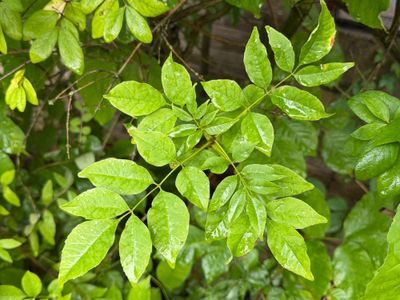
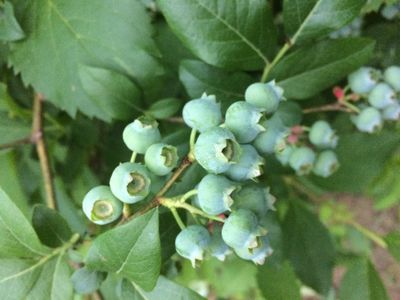
Naturally this was the biggest reason for doing it. So many times Ray and I would forget what we planted! I also LOVE walking around with my phone taking pictures of rogue plants and identifying them - this gave me a way to keep track of what we find.
In addition to plants, I've also created separate spreadsheets for Wildlife to include Ray's adventures with birds, raccoons and groundhogs. I've also included Insects, which is a great way to keep track of those pesky bugs eating your plants!
To Do Adobe InDesign Data Merge
If you are an Adobe InDesign user, you may be familiar with data merge which allows you to populate fields in a template. I wanted to design some plant information cards/sheet for a printable for my journals and so a spreadsheet is a must for this!
To Consistently Have Care Info Available for Plants
Another reason I made this spreadsheet is because it's so hard to consistently get all the info you want/need about a plant in one spot. Things like watering, soil, sunlight, size of the plant, propagation seem so basic but most sites don't include it.
Also, When I'm writing about plants and adding them to the website, it can be really tedious to look that all up, so now I can easily have all the data points to fit into a template.
You can see an example plant info section in these posts: Aloe Plant Care, String of Hearts Plant, and Growing Dipladenia.
To Include History, Uses and Symbolism
Another thing I've tracked is the history, uses, and symbolism of each plant!
While of course the basic info is useful for the plants and wildlife, the two things I'm most excited about are the history and symbolism for each! As an artist and writer, symbolism means so much to me so I love diving into all of it and seeing what it means.
Eventually I will expand the database so that many of these fields will be their own node - and Symbolism will actually be it's very own category on this site when I launch Creative Symbology next!
To Share the Info With You!
Another big reason I wanted a database of everything was because I wanted to make it easily accessible so that when I write about a plant you have all the info you need in one space. This will save you a step of having to research everything.
Now that I've explained my logic for creating a plant database and taking on such a huge project, let's get into the data points and fields we are using!
Data Points We're Collecting
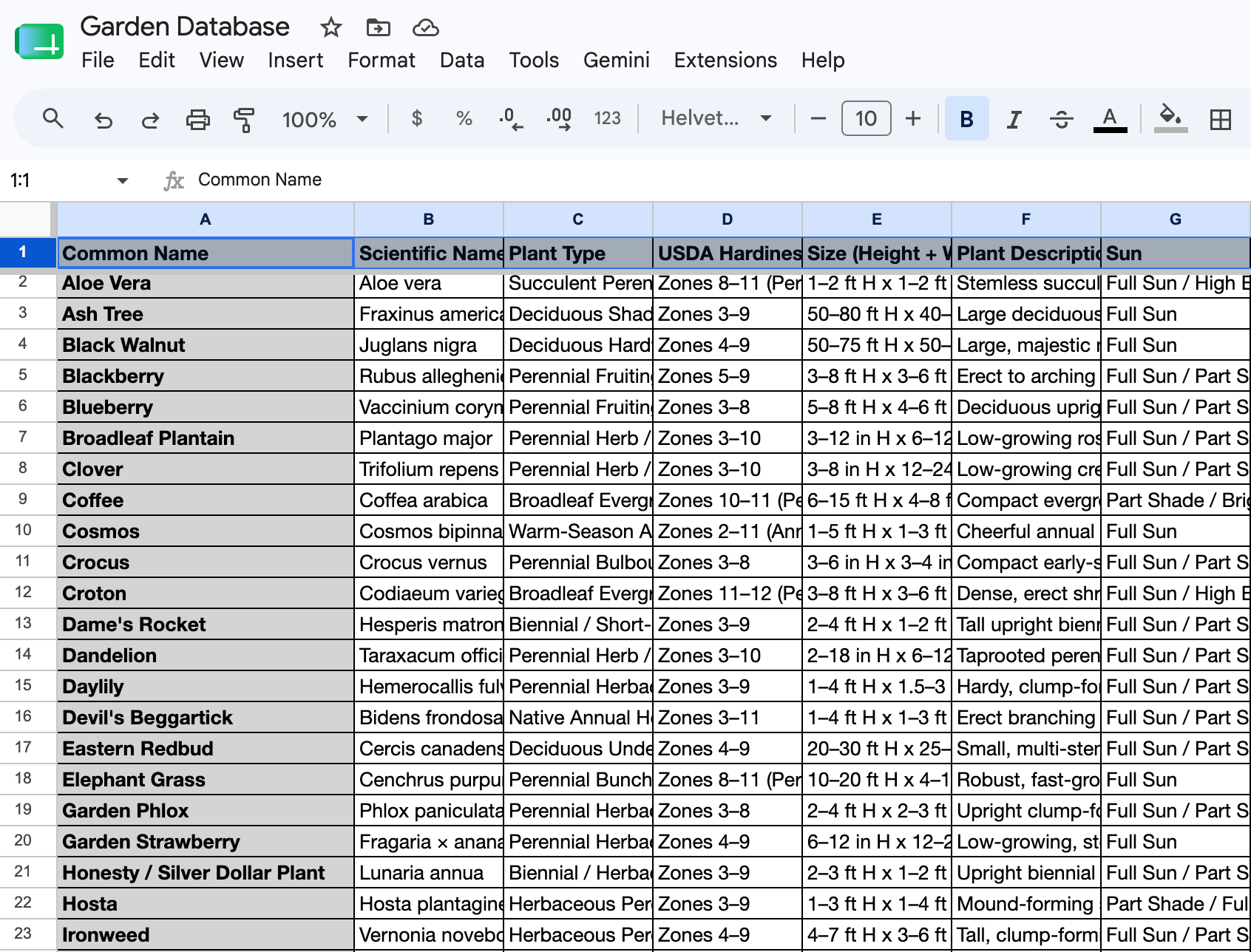
Now it's time to get geeky - let's talk about data points! Here are all the fields we are collecting for each plant.
For Plants
- Basic Info: Common Name, Scientific Name, Plant Type, Location
- Growing Requirements: USDA Hardiness Zone, Sun, Water, Soil
- Physical Profile: Size (Height + Width), Plant Description
- Deeper Context: Uses, Toxicity/Warnings, Symbolism, History, Notes
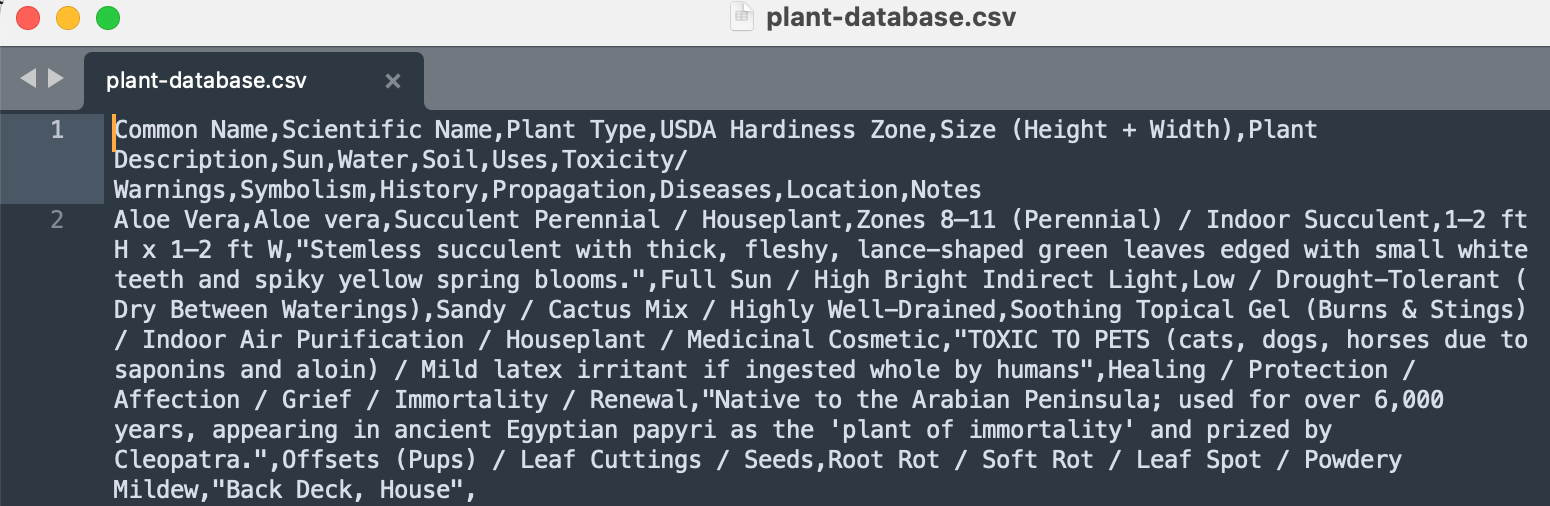
Here's what that all looks like in code!
For Wildlife & Insects
- Basic Info: Common Name, Scientific Name, Type, Habitat, Active Season
- Physical & Behavioral Traits: Physical Characteristics, Size, Sound, Lifespan, Breeding, Diet
- Property & Environmental Context: Ecological Role, Tracks/Signs, Property Impact, Attractants, Deterrents
- Deeper Context: Toxicity/Warnings, Symbolism, History
Even Geekier Side of Things
To make this even more geekier, I'm running some fun code I wrote to make it seamless to go from CSV file to Markdown format to make it easy to share here.
I've really been leaning deep into jSON and Markdown so when I'm ready to put this on an actual server it will likely be through that format. We'll see, not sure yet lol.
I've also been using AI to populate the basic info fields (except for symbolism, that's close to my heart so I do that one by hand! Although AI is not bad at it, most companies scraped my whole website of 500+ symbol meanings and stole my entire livelihood to feed Gemini so a lot of their meanings are actually MY meanings lol.) It's a long story, see Why This Website is No Longer Free for the beginning.
And before you say "Ew, AI...." - it's not that bad. I actually use AI for lots of things! It saves SO MUCH TIME. Especially for something like this where I have data points that are going to be practically identical for every post.
There's ways to do without AI too of course - going back to Data Merge, I could theoretically go old school in Microsoft Windows - the reason I don't is because I want things to be lightweight in Markdown, my love language.
Download the Google Sheets Doc
If you're a premium subscriber, you can access the google sheets doc for our database below. It's always evolving and I am always adding to it before new posts are added to our site.
In addition to plants, the doc includes a sheet for wildlife too, so you can track birds, critters, frogs, and insects that visit your garden!
To use the spreadsheet, you can save it from Google directly to your own account, or you can download it to use in Excel or Numbers.
I'm so excited to share this database with you and to use it to add more plant stories to the Dirt Happy category on this site. If you have any questions or need help with the spreadsheet just let me know in the comments below or reach out to hello@chellestein.com.